Phone Link File Sharing Not Working? Every Fix
Microsoft's AirDrop for Windows fails silently. The fixes in order — and the three limits none of them solve.
•9 min read
Guides, tips, and tutorials for transferring files between devices
Microsoft's AirDrop for Windows fails silently. The fixes in order — and the three limits none of them solve.
We compared all three on privacy, speed, and cross-network support — plus when neither one works.
Snapdrop now uploads files to Limewire's cloud with no clear deletion policy. Here's what changed.
Messaging apps crush your 4K videos to a blurry mess. 5 ways to send the original file at full quality.
No cable, no problem. 4 wireless ways to move files between any phone and any PC — compared.
ShareDrop breaks on different networks and strict Wi-Fi. The alternatives that actually work, tested.
Every fix worth trying, in order — plus a browser-based alternative when AirDrop just won't cooperate.
4 methods compared — browser transfer, USB, iCloud, and Google Drive. Any file type, up to 2GB.
No iTunes required. SpeedyShare, USB, iCloud, and more — compared and tested.
SpeedyShare, Google Drive, WeTransfer, USB — the best free options compared honestly.
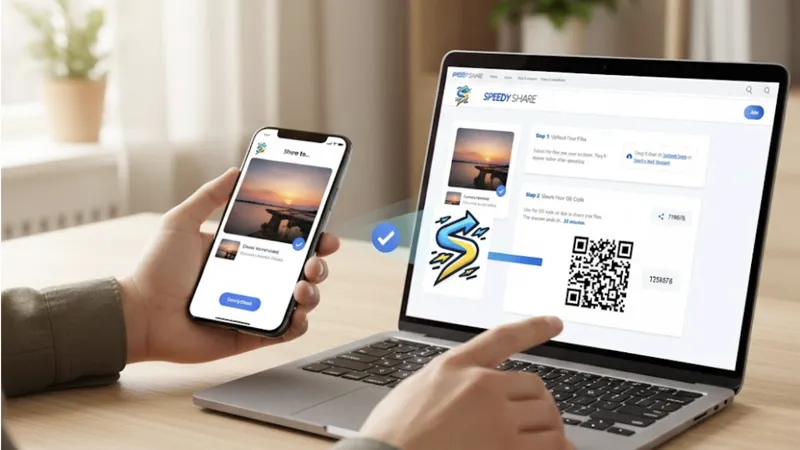
No app, no account, no cable. Transfer a PDF from iPhone to Android in under 30 seconds via browser.
No app, no account, no cable. Open a browser, scan a QR code, done in under 10 seconds.
When AirDrop won't cooperate. Transfer photos from iPhone to Mac via browser — no app, no account, full quality.
Snapdrop was acquired by Limewire and now uploads to cloud. Find secure, fast alternatives that work across networks.
AirDrop doesn't work on Windows. We tested 10 alternatives for iPhone-to-Windows file transfer. Complete comparison with pros/cons.
Works on iPhone, Android, Windows, Mac, and Linux. No app needed, just scan a QR code and share files instantly.
No apps, no sign-ups, no emails. Share files instantly with a QR code in your browser across all devices.
Tired of the email ping-pong? Share files instantly with a QR code instead of waiting for emails.
Transfer files from Android to iPhone the easy way. No apps, no compression, just simple file sharing.
Transfer files from iPhone to Android in under 5 minutes. No apps, no compression, just simple file sharing.
Transfer files from Android to Windows in under 10 seconds. No apps, no cables, no hassle.
Learn the fastest way to transfer files from Android to Mac without cables or apps.